

How to Identify Damage in a Laser Cleaning Machine
Laser cleaning machines are robust and reliable tools, but like any equipment, they can occasionally experience issues. Recognizing potential damage early can save time and prevent costly repairs.…
How to Identify Damage in a Laser Cleaning Machine
Laser cleaning machines are robust and reliable tools, but like any equipment, they can occasionally experience issues. Recognizing potential damage early can save time and prevent costly repairs. How to Identify Damage in a Laser Cleaning Machine?
1. Inspect for Physical Damage
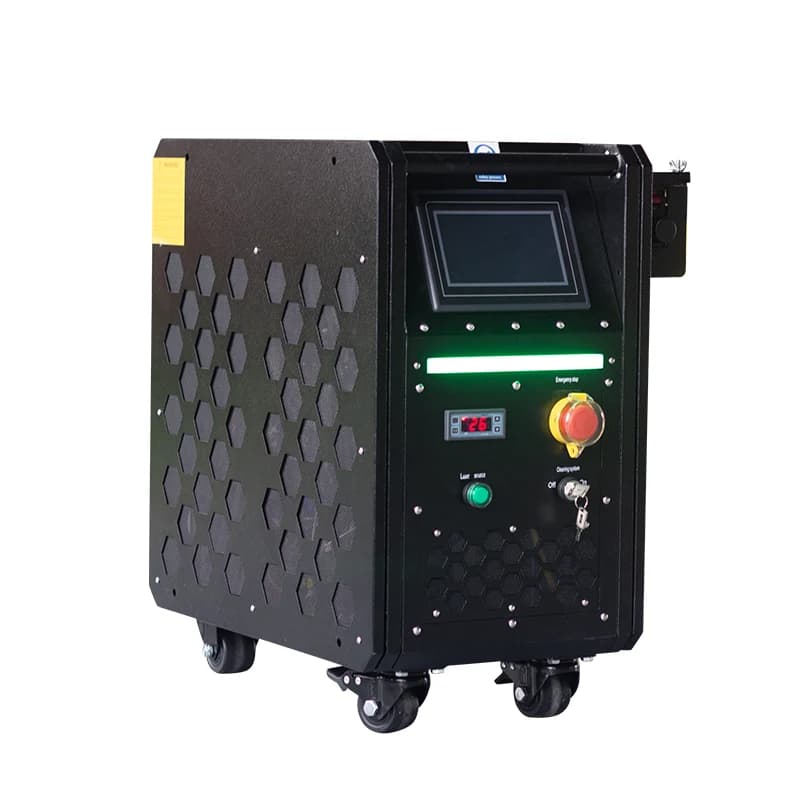
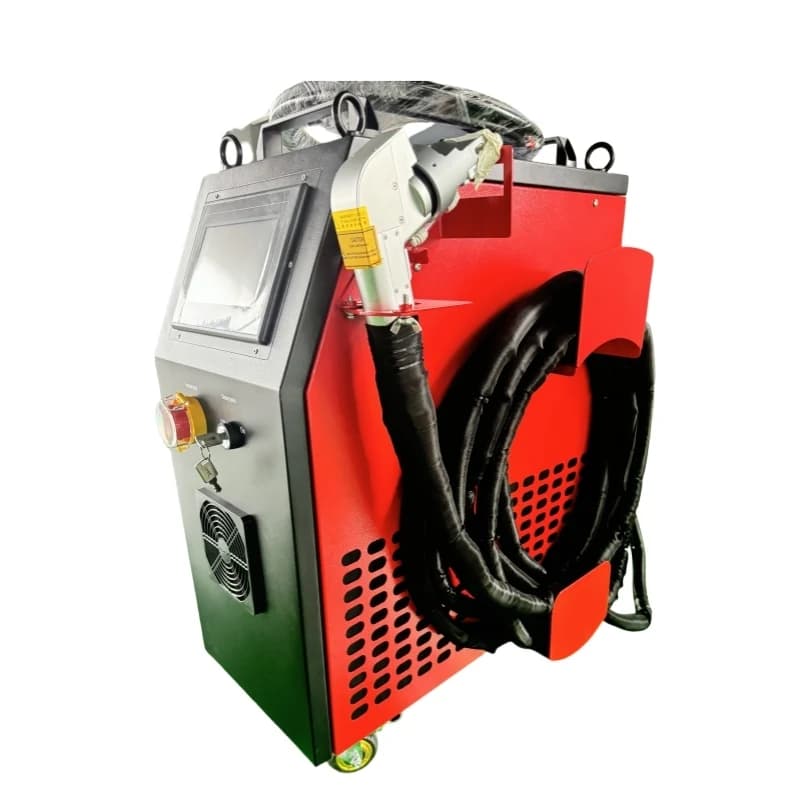
Check the exterior of the machine for dents, cracks, or other visible damage that may have occurred during transport or operation. Pay special attention to the cleaning gun, fiber optic cable, and connectors.
2. Test the Laser Output
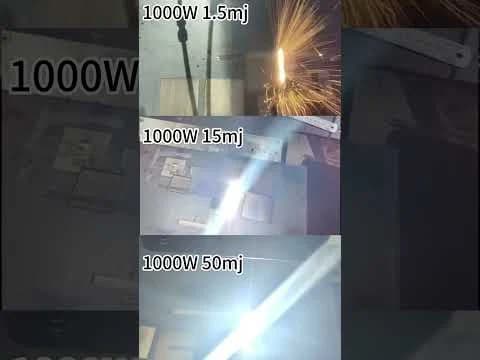
A damaged machine may show reduced or inconsistent laser power. Run a simple test on a sample surface to check if the laser beam performs as expected. If the cleaning effect is uneven or ineffective, there might be an issue with the laser source.
3. Monitor the Display and Indicators
Modern laser cleaners are equipped with digital displays and warning indicators. Look for error codes or unusual readings on the screen, as they can signal underlying problems.
4. Listen for Unusual Noises
During operation, the machine should run smoothly with minimal noise. Grinding, buzzing, or irregular sounds could indicate mechanical issues, such as problems with the cooling system or internal components.
5. Check the Cooling System
For air-cooled machines, ensure that air vents are unobstructed and that the fan is functioning properly. Overheating can cause the laser to malfunction or shut down.
6. Inspect for Missing Accessories
Verify that all accessories, such as the cleaning gun and power cables, are present and properly connected. Missing or damaged accessories can impact performance.
What to Do If You Detect Damage
- Document the Problem: Take photos or videos of the damage or irregularities.
- Contact Support: Reach out to the supplier or manufacturer with the details.
- Avoid Further Use: Using a damaged machine can worsen the issue or pose safety risks.
Regular maintenance and proper handling are key to extending the lifespan of your laser cleaning machine. By promptly addressing any signs of damage, you can ensure its long-term reliability and optimal performance.
Need Help?
If you’re experiencing issues with your laser cleaner, our team is here to assist you. Contact us for expert advice and support.